Skip to content
Cryptnook Vault
Cryptnook Vault

Your vault on a USB drive.

Photos, videos and documents, encrypted. Only you hold the key.
See how it works Watch in 30 seconds

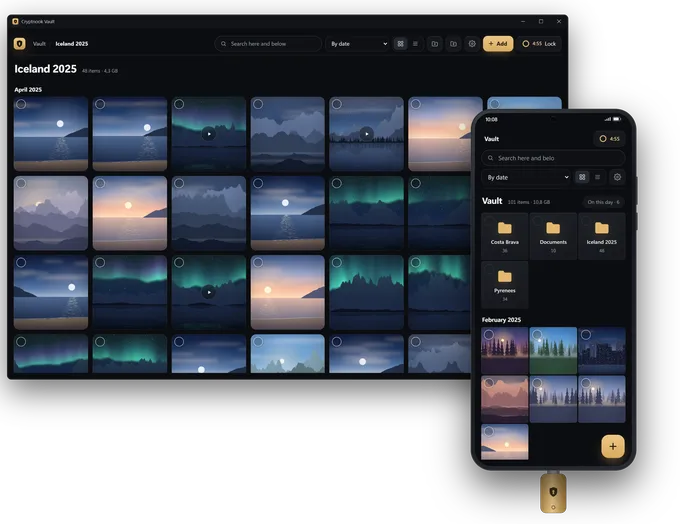
Cryptnook Vault open on a Windows PC and on an Android phone with a USB drive plugged in: the same photo vault on both.
Windows and Android

Save it on your PC. See it on your phone.

Is my phone compatible?

How it works

That easy

  1. 01 Plug in
  2. 02 Create
  3. 03 Save
  4. 04 Lock

All the details

Inside

A gallery, not a file manager
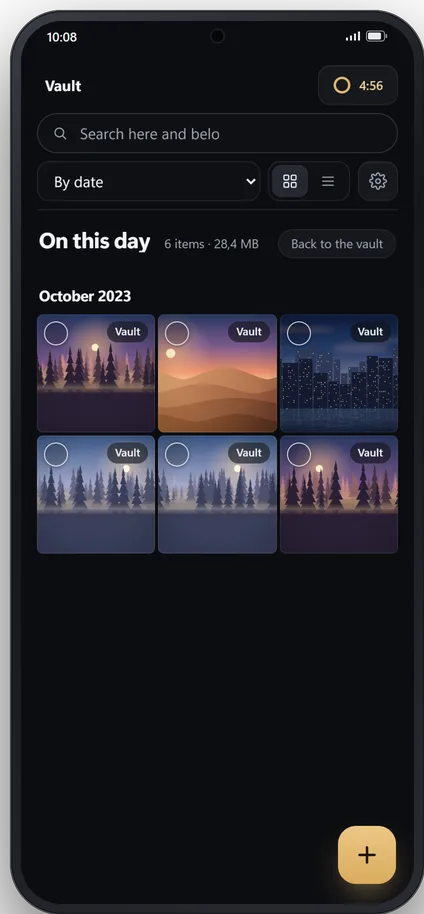
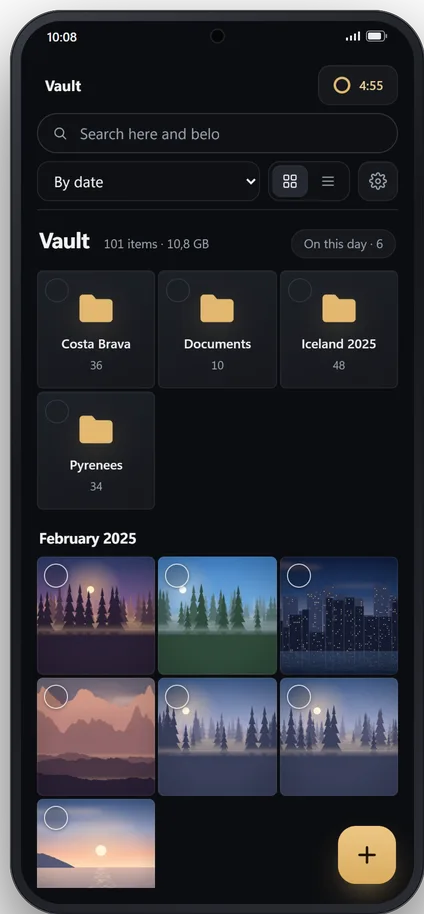
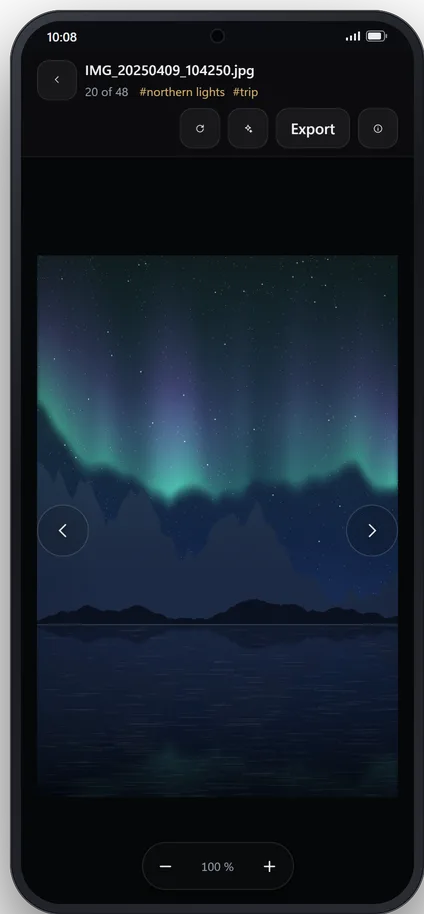
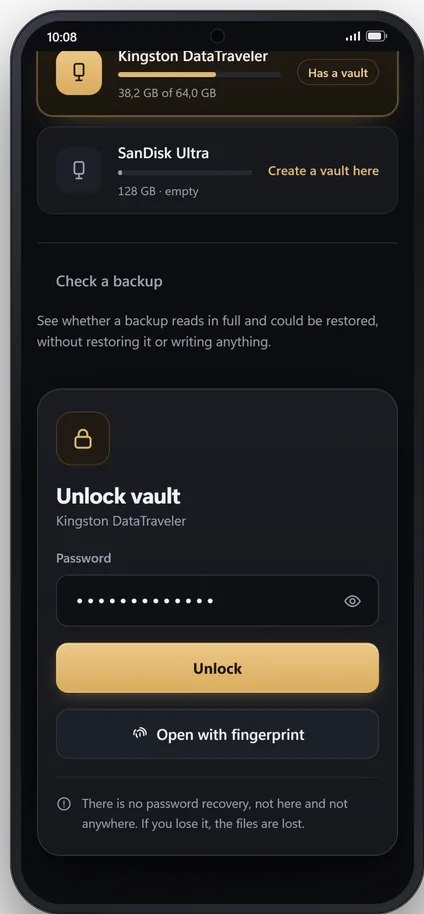
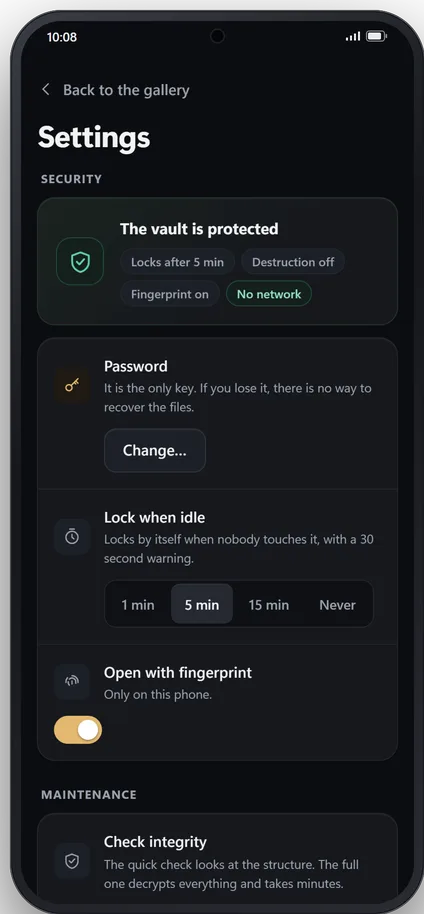
The vault open on the phone: folders for trips and documents, and photos sorted by date.A photo of an aurora open full screen on the phone, with its tags and the export button.“On this day” on the phone: photos taken on this same date in earlier years.Unlocking the vault on the phone, with the password or a fingerprint, and the reminder that there is no password recovery.Security settings on the phone: the vault is protected and offline, auto-lock after 5 minutes and fingerprint unlock.
  1. Your photos, by date
  2. Full screen
  3. On this day
  4. Opens with your fingerprint
  5. And locks by itself
Photo enhancement

Your old photos, like new. Offline.

Pricing

Pay once. That is it.

No subscription, no ads, no in-app purchases.

Coming soon to Google Play

Coming soon to Microsoft Store

See pricing

If you lose the password, nobody can recover your files. Not even us.What you should know

Your files.Your drive.Your key.

  • No cloud
  • No account
  • No internet

See how it works